 PRIME MOTION
Manufacturing
The Manufacturing workspace turns the model into toolpaths and then into a program the machine can run. It is the same document as Design — the model, the operations, and the program are one thing, so a change upstream is not a re-import, it is a rebuild.
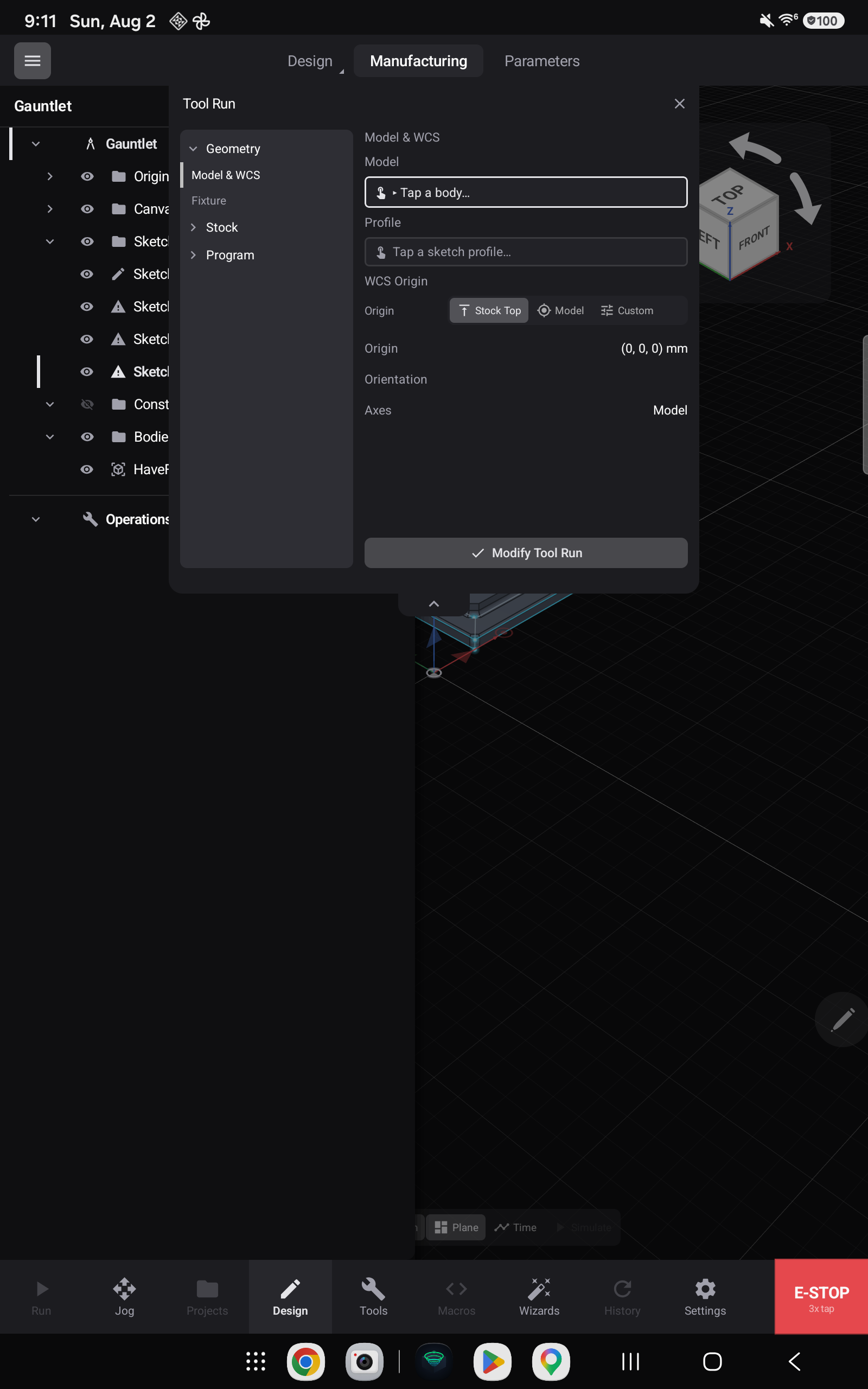
Tool runs come first
Nothing can be machined until Prime Motion knows the setup. A Tool Run is that setup, and its drawer is organised into sections:
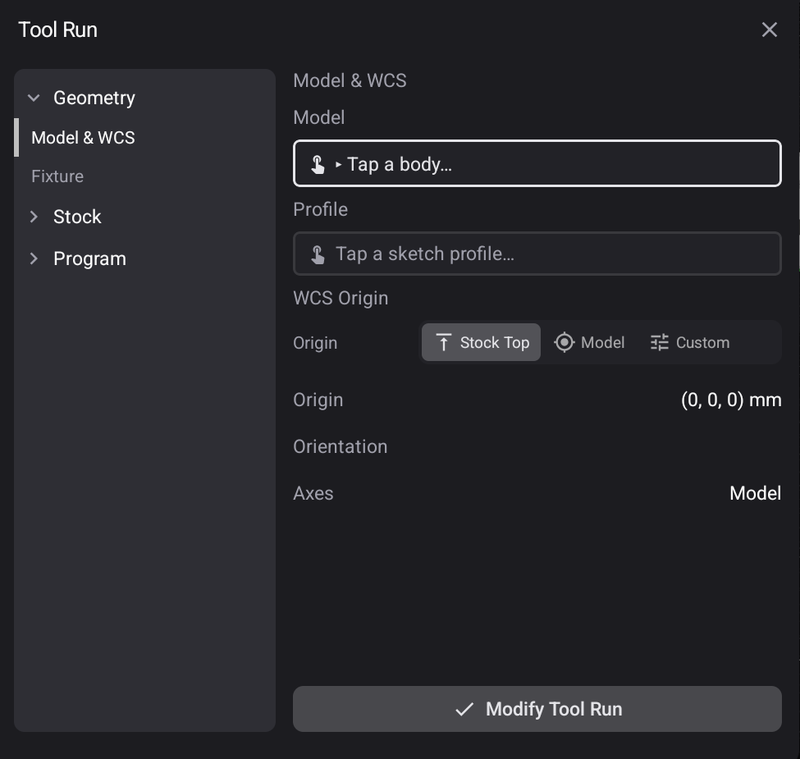
| Section | Establishes |
|---|---|
| Geometry | Which body is being machined, its profile, and the work coordinate origin — stock top, model, or a position you choose |
| Fixture | How the work is held |
| Stock | The material you are cutting from |
| Program | What gets posted |
The toolpath strategies
Operations are grouped on the rail, and each group is a family — long-press to reach the rest.
2D — eleven strategies
Face · 2D Contour · 2D Pocket · 2D Adaptive · Slot · Trace · Engrave · 2D Chamfer · Bore · Circular · V-Carve
These cover the work most parts are made of: surfacing stock flat, cutting a profile, clearing a pocket, following a line, chamfering an edge, boring a hole to size, and V-carving lettering.
3D — sixteen strategies
3D Adaptive Clearing · 3D Pocket Clearing · Parallel · Scallop · 3D Contour · Ramp · Pencil · Horizontal · Spiral · Radial · Morphed Spiral · Project · Blend · Morph · Flow · 3D Trace
Roughing strategies clear material fast; finishing strategies leave the surface. Scallop, Parallel and Spiral each leave a different pattern on the same shape, and choosing between them is choosing how the part will look and how long it will take.
Drilling
Drill handles holes as holes rather than as circular pockets.
Simulate before you cut
The Simulate chip on the viewport bar runs the toolpath against the stock so you can watch the material come away. The chip stays greyed until there is a toolpath to simulate. See Simulating a toolpath.
Export
Export posts the program. From there it goes to Projects and is run on the machine — see The Run screen.
Everything is in the tree

Tool runs, the toolpaths under them, and the exports live in the design tree beside the sketches and bodies that produced them — see The design tree.