 PRIME MOTION
Folders
Folders group designs however suits you: by customer, by project, by material, by year.
Navigation happens in place — opening a folder shows its contents where the designs were, with breadcrumbs across the top showing where you are. There is no separate screen to get lost in.
Moving things
Two ways, and both work for designs and folders:
Drag. Pick one up and drop it on a folder. The chip follows your finger and names the destination before you release.
Move to… From the item's menu, choose a destination anywhere in the tree — including back to the top level, which is always offered.
Select in the filter bar turns on checkboxes so several things move at once.
Breadcrumbs
The path across the top shows where you are. When it gets long it collapses to a … you can tap to jump further back, so a deep folder never pushes the useful part of the path off the screen.
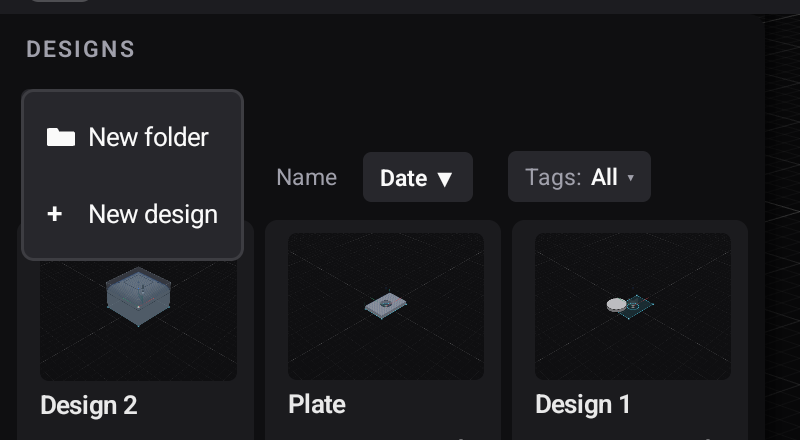
The last crumb — where you are now — owns New folder and New design, so new things are created where you are looking.
Deleting a folder
Tags still work
Tag filtering is scoped to the folder you are in, so filtering inside a folder shows that folder's matching designs rather than everything you own.