 PRIME MOTION
Parameters
A parameter is a named value your model is built from. Instead of a wall thickness being the number 6, it is wall. Change wall and every feature that referred to it rebuilds.
That is the whole idea, and everything below is a consequence of it.
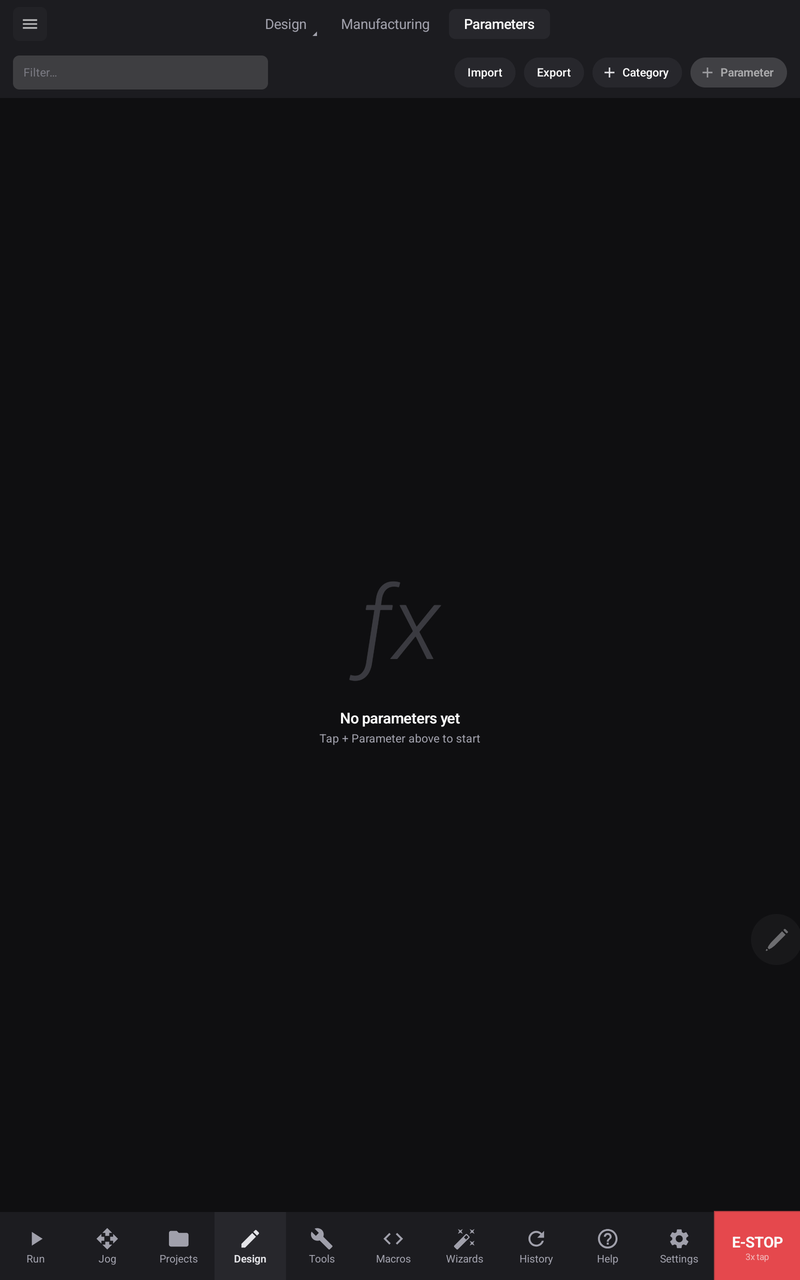
Every design starts here. Parameters are added as you need them, and a design that does not use any is a perfectly ordinary design — nothing below is compulsory.
The table

| Column | |
|---|---|
| Name | What you type when you want this value |
| Category | Grouping, so a long table stays navigable |
| Unit | What the value is measured in |
| Expression | What you wrote — a number, or a formula |
| Value | What it currently works out to |
| Comment | Why it exists, for whoever opens this in a year |
The split between Expression and Value is the point: you write the intent, and the app keeps the number current.
Writing expressions
Any parameter can be a formula rather than a fixed number, and so can any dimension field in the app.
Arithmetic
+ − × ÷, remainder, and powers, with parentheses to group. Powers bind tightest and evaluate right to left, so 2 ^ 3 ^ 2 means 2 ^ 9, as it would on paper.
plate_width / 2
( outer − inner ) / 2
2 ^ ( 1 / 12 )
Referring to other parameters
Use another parameter's name and it is linked, not copied — change the one and everything built on it follows:
shelf_spacing = case_height / shelf_countUnits, in whatever you think in
Write a value with its unit and it is converted for you:
| You write | You get |
|---|---|
25mm | 25 mm |
.5" | 12.7 mm |
15'-0" | 4572 mm |
45° | an angle of 45 degrees |
You are never converting by hand, and the number stays readable as the thing you meant. Sixteen inches is a radius someone recognises; 406.4 is a number they have to decode.
Functions and constants
| Trigonometry | sin · cos · tan |
| Roots and powers | sqrt · exp · ln |
| Rounding | floor · ceil · round |
| Choosing | min · max |
| Other | abs |
| Constants | pi · e |
sqrt( a ^ 2 + b ^ 2 )
round( length / spacing )
max( wall, 3mm )If it cannot be worked out
A formula naming something that does not exist, or that is not valid arithmetic, is not accepted — it does not quietly become zero. Correct the name or the maths and it evaluates.
Using a parameter in the model
Any numeric field in any tool takes an expression. Open the field, tap f(x) on the keypad, and type the parameter name or a formula using it. From then on that dimension is driven — it updates itself.
Categories and finding things
+ Category groups related parameters, + Parameter adds one by hand, and the filter box searches a long table quickly. Categories are worth using early: thirty ungrouped entries is a table nobody edits with confidence.
Import and export
Import and Export take .csv or .json, through the same picker as everything else — see Files and storage.
A worked example
Expressions earn their keep when one number drives many.


In this table, twenty-one positions are each written as a formula against a single governing length rather than measured and typed in. Change that one length and every position moves to where it belongs — nothing is re-measured, nothing is re-typed, and nothing can be forgotten.
Related
- The Design workspace — the expression keypad
- Files and storage