 PRIME MOTION
Import and export
Bringing artwork in
You do not have to redraw a shape you already have. Insert brings existing artwork into a sketch — DXF and SVG as real sketch curves you can edit, PDF and images as a picture to trace over:
| Format | Typical source |
|---|---|
| DXF | Another CAD package |
| SVG | Vector artwork and logos |
| Drawings and plans | |
| Image | A photo or scan to trace |
Placed artwork arrives at its real size where the file states one, so tracing it produces geometry at the right scale. Where the source is not to scale, Scale sizes it against a dimension you know.
Full detail: Sketching.
Where files come from
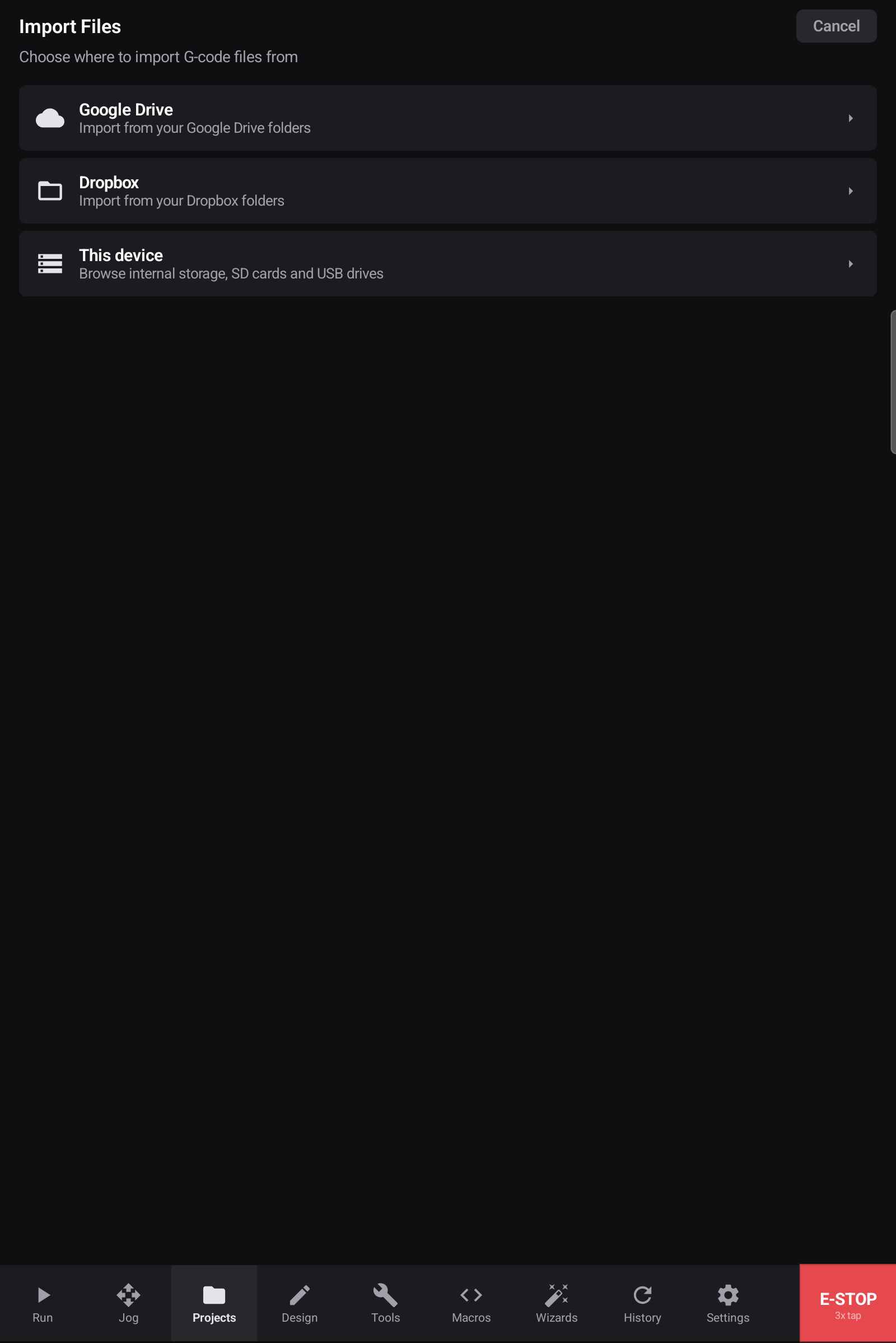
The same picker as everywhere else — Google Drive, Dropbox, or this device. See Files and storage.
Getting work out
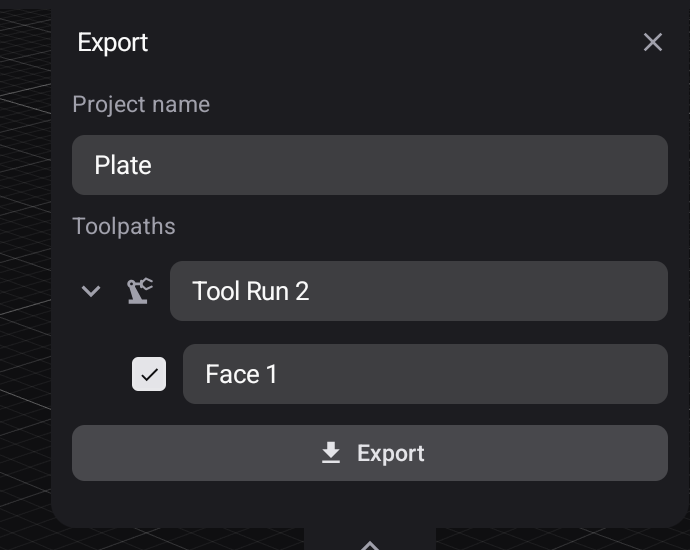
Toolpaths leave as posted G-code programs, through Export in Manufacturing.
Parameter tables leave as .csv or .json — see Parameters.
Designs cannot leave the app yet — design export is planned, and until it lands a design lives only in the app's own storage. Hours of modelling are not reproducible from a G-code file, so see Backups for what is worth getting out today.