 PRIME MOTION
Settings — Jogging
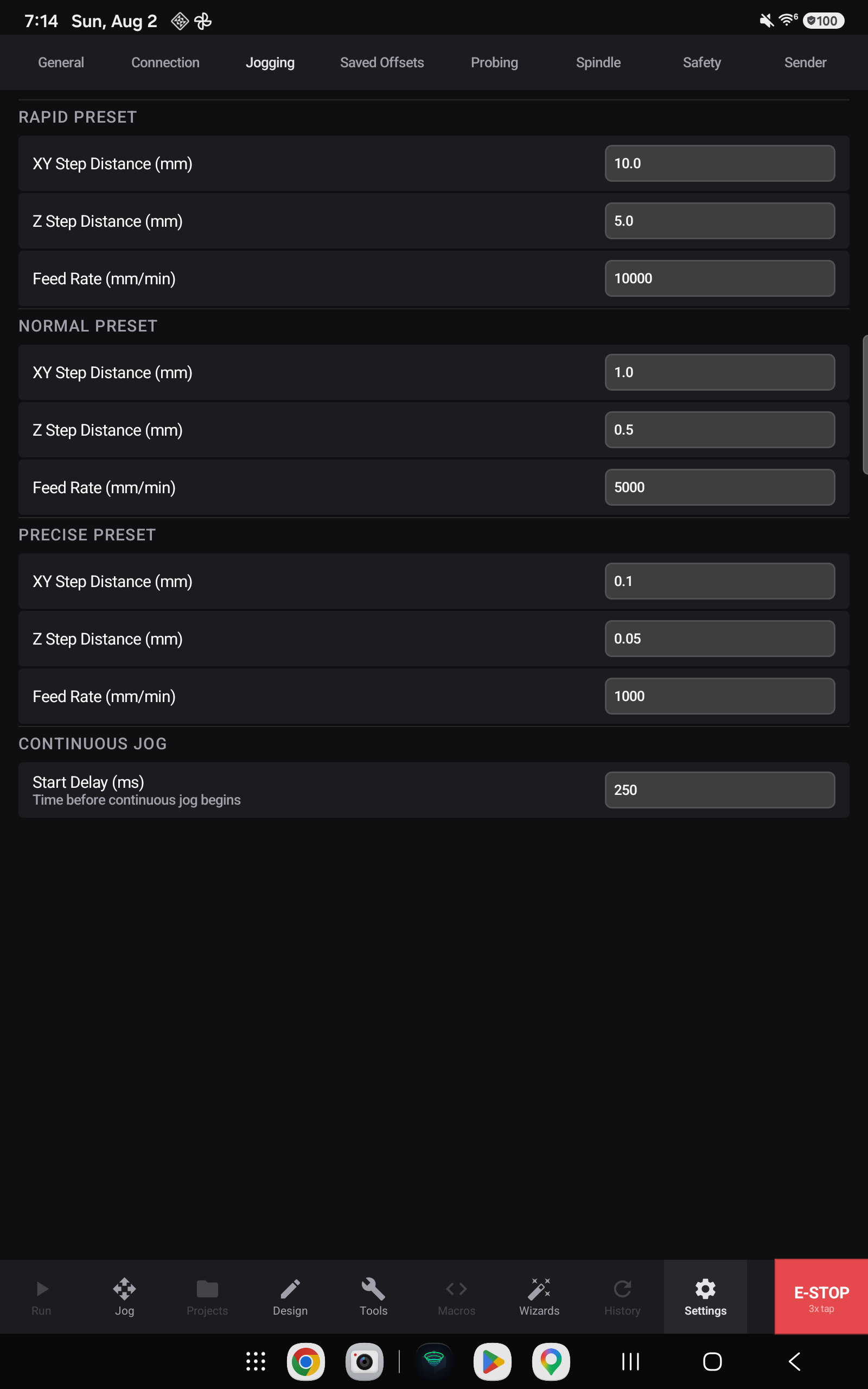
How the machine behaves when you are driving it rather than a program.
Speeds
Three speed presets sit behind the Rapid / Normal / Precise buttons on the Jog screen. This is where their rates are set.
| Preset | For |
|---|---|
| Rapid | Crossing the table |
| Normal | General positioning |
| Precise | Creeping up on an edge or a surface |
Step sizes
In step mode each press moves a fixed distance. The available distances are configured here.
A useful set spans two orders of magnitude — something coarse for getting across the work, something around a millimetre for approaching, and something very fine for the final touch.
Continuous jogging
In continuous mode the machine moves while the control is held. The speed is the selected preset.