 PRIME MOTION
Saved positions
A saved position is a machine position you have kept — typically a work zero. Load it later and the machine returns to the same relationship with the work, without you finding it again.
When it pays
- A fixture or jig that puts every workpiece in the same place.
- A vice with a fixed stop.
- A spoilboard grid where you always work from the same corner.
- Coming back tomorrow to a job you did not finish.
If you are clamping rough material by eye each time, a saved position will not help — the material is not in the same place, so the position is not either.
Saving one
Both controls live on the Jog screen, and they only appear once the machine is homed:

| Control | Available when |
|---|---|
| Save Position | You have jogged since connecting |
| Load Position | At least one position has been saved |
Save Position waits for a jog because straight after homing the machine is sitting at machine zero, and saving machine zero is saving a position you can always return to by homing anyway. Move somewhere worth recording and it comes live.
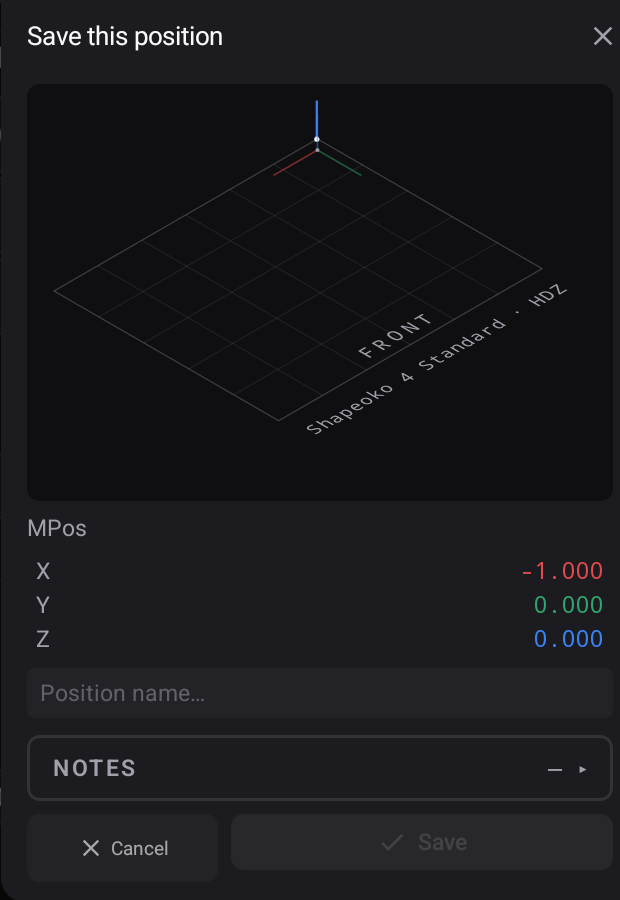
Press it and the panel shows you exactly what is about to be stored — the machine coordinates as they stand, and a name field:
Loading one back
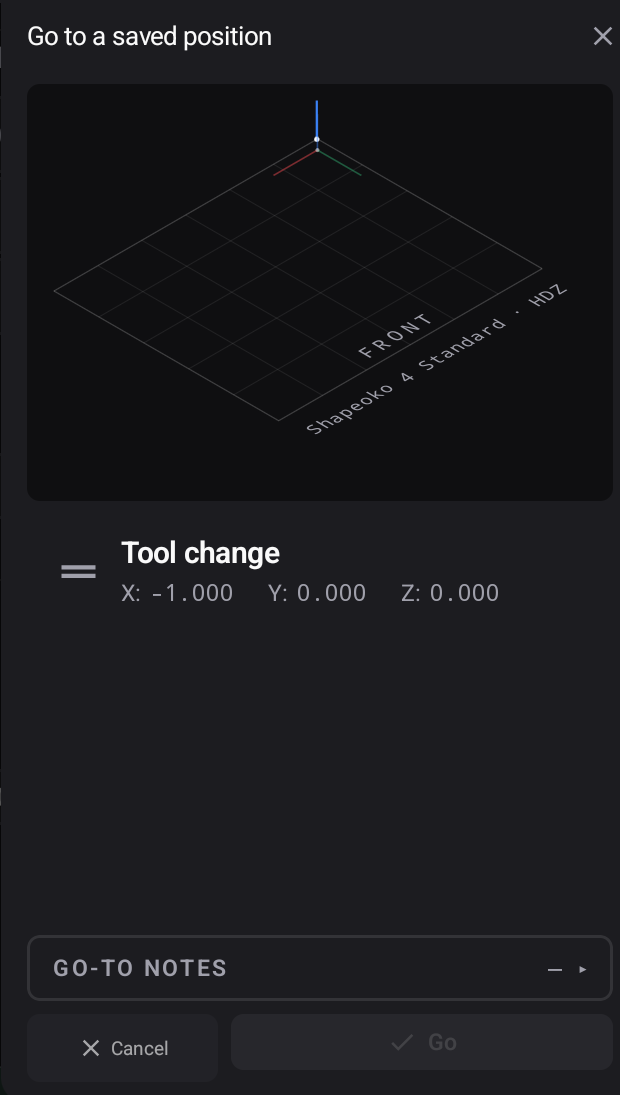
Load Position opens the list of everything saved for this machine, each row showing the coordinates behind the name. Pick one and press Go.
Managing what you have saved
Every position you have saved is listed per machine in Settings → Machine Positions, where a stale one — a fixture that has been unbolted, a jig that has been re-made — can be renamed, hidden or removed.
Why they only exist after homing
A saved position is recorded in machine coordinates. Before homing there is no machine coordinate system to record one against, so the app does not offer to store a number that would mean nothing. See the homing gate.