 PRIME MOTION
Settings — Resources
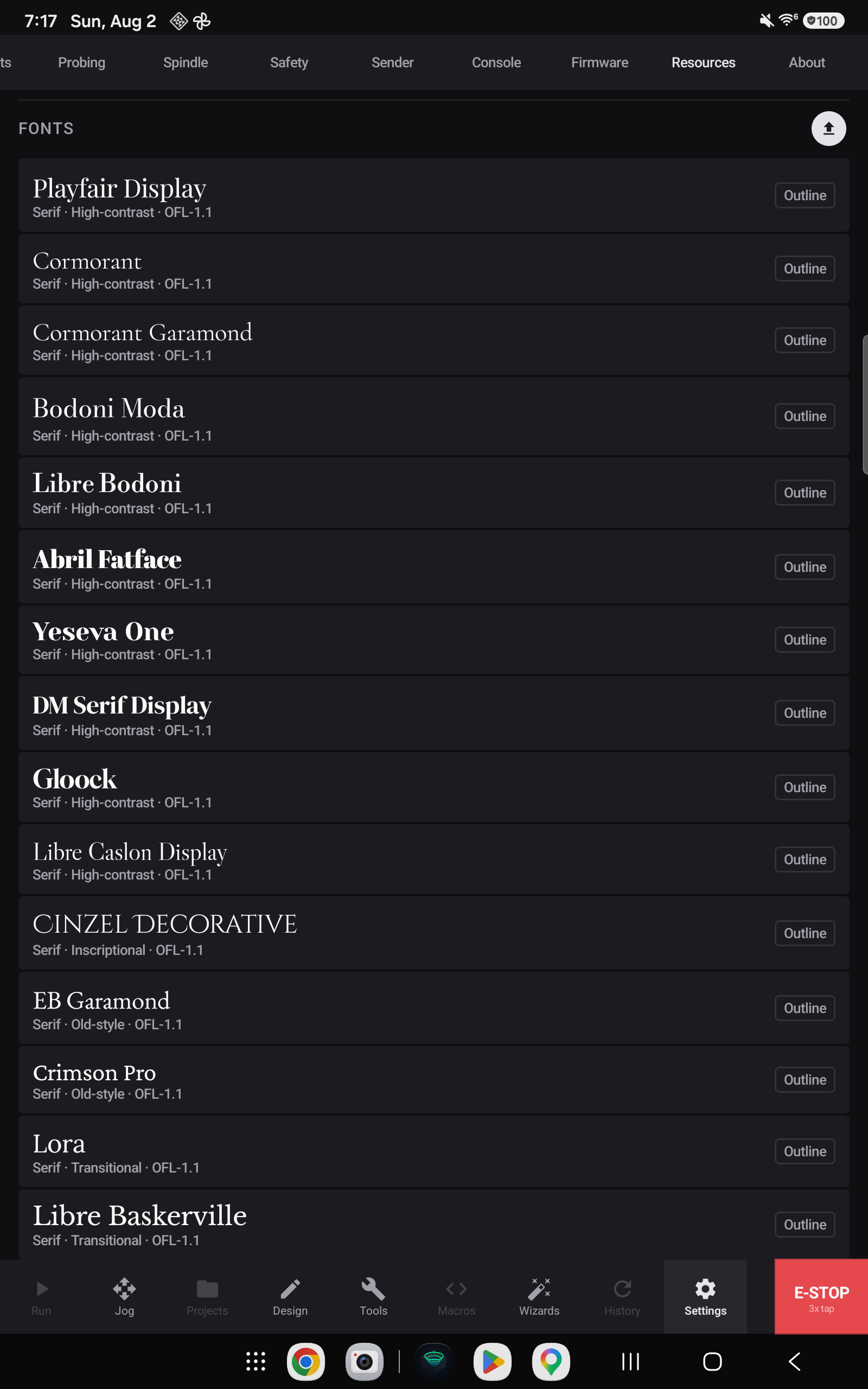
Resources are the assets your designs draw on. Today that means fonts.
The font library
A set of typefaces ships with the app, chosen to carve and engrave well — display and text serifs with enough weight to survive being cut into wood.
Each font can be outlined: converted from a typeface into curves your sketch can use. That is what makes lettering machinable — a toolpath needs a path to follow, not a glyph.
Using a font
Text goes into a sketch with the Text tool, which offers the fonts in this library. See the sketch toolset.
Text on Path sets lettering along a curve rather than a straight baseline.
Adding fonts
Fonts are imported through the same picker as everything else — see Files and storage.