 PRIME MOTION
Work coordinates
A machine has to answer two different questions, so it keeps two sets of numbers.
| Question | Answered by |
|---|---|
| Where am I in myself? Can I reach that? | Machine coordinates |
| Where am I on the workpiece? | Work coordinates |
Machine coordinates
Machine coordinates are set by homing and stay fixed until you home again. The machine's own protections live here: travel limits, tool-change positions, saved machine positions. Nothing you do to work coordinates disturbs them.
Work coordinates and the work offset
Work coordinates are measured from work zero, the point on your stock that the program calls X0 Y0 Z0. Every program is written in work coordinates, because a program describes a part, not a machine.
The distance from the machine origin to work zero is the work offset. Setting work zero is recording that offset in the controller.
Six or nine systems: G54 to G59.3
A controller can hold several work offsets at once, one per work coordinate system: G54 to G59 on Grbl 1.1, and also G59.1 to G59.3 on grblHAL. Only one is active. A program uses the active one unless it selects another itself.
Keeping several is useful when the same machine holds more than one setup: a vise in one place and a fixture plate in another, each with its own zero. Switch systems instead of finding zero again.
- Tap the work system chip, such as G54, at the left of the position readout.
- The Work offsets drawer lists the systems your controller reported. The active one is highlighted.
- Tap another system. The drawer shows Making active… and closes once the controller confirms.
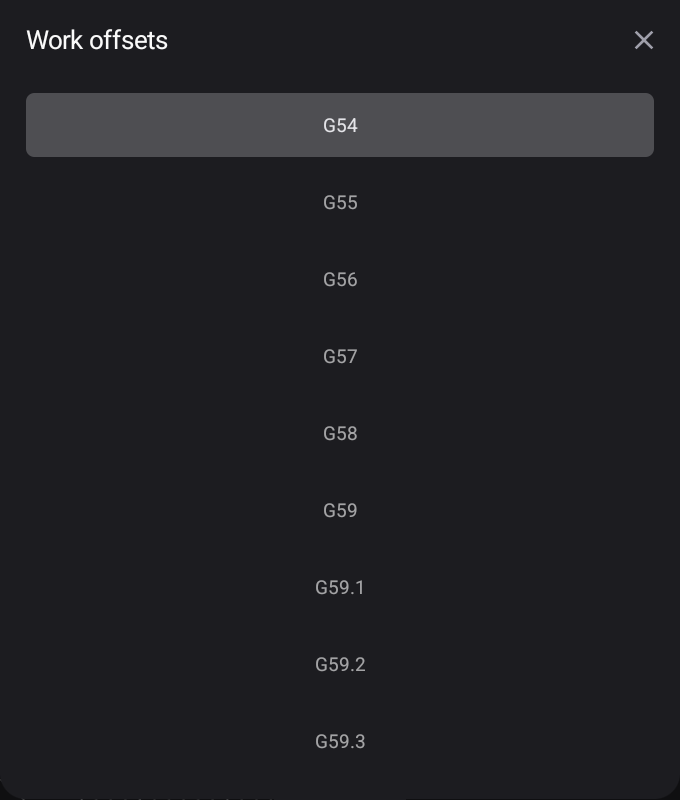
If the controller refuses or does not answer, the drawer says so and that the datum was not written. Offsets not read means the controller has not reported its table yet.
Every offset's values, a fixture library you can apply into any system, and the history of datum changes with Undo are in Settings → Work Offsets.
The temporary G92 offset
G92 sets a temporary offset on top of the active system. Some programs and macros use it. While it is in effect, +G92 shows under the work system chip and every work coordinate includes it. It stays until it is cleared, the controller is reset, or a program clears it. Clear it from Settings → Work Offsets if you did not mean to have one.
Why this is the thing that goes wrong
A program has no idea where your stock is. It assumes someone told the machine, and that someone is you. If work zero is 10 mm from where you think, the program runs perfectly and cuts in the wrong place; the machine has no way to notice.
Z is the one that bites
A wrong X or Y usually spoils a part. A wrong Z breaks things: a cut that should skim the surface plunges through the work and into the table.
Z is also the one most easily disturbed, because it depends on the tool's length. With a toolsetter and Measure on tool change set to Every tool change, Prime Motion measures each new tool and keeps Z right. Without one, set Z again after every tool change. See Tool changes.