 PRIME MOTION
Safety
Settings → Safety holds the protections you can tune. All are on by default. Why some protections are not here at all is in Safety settings.
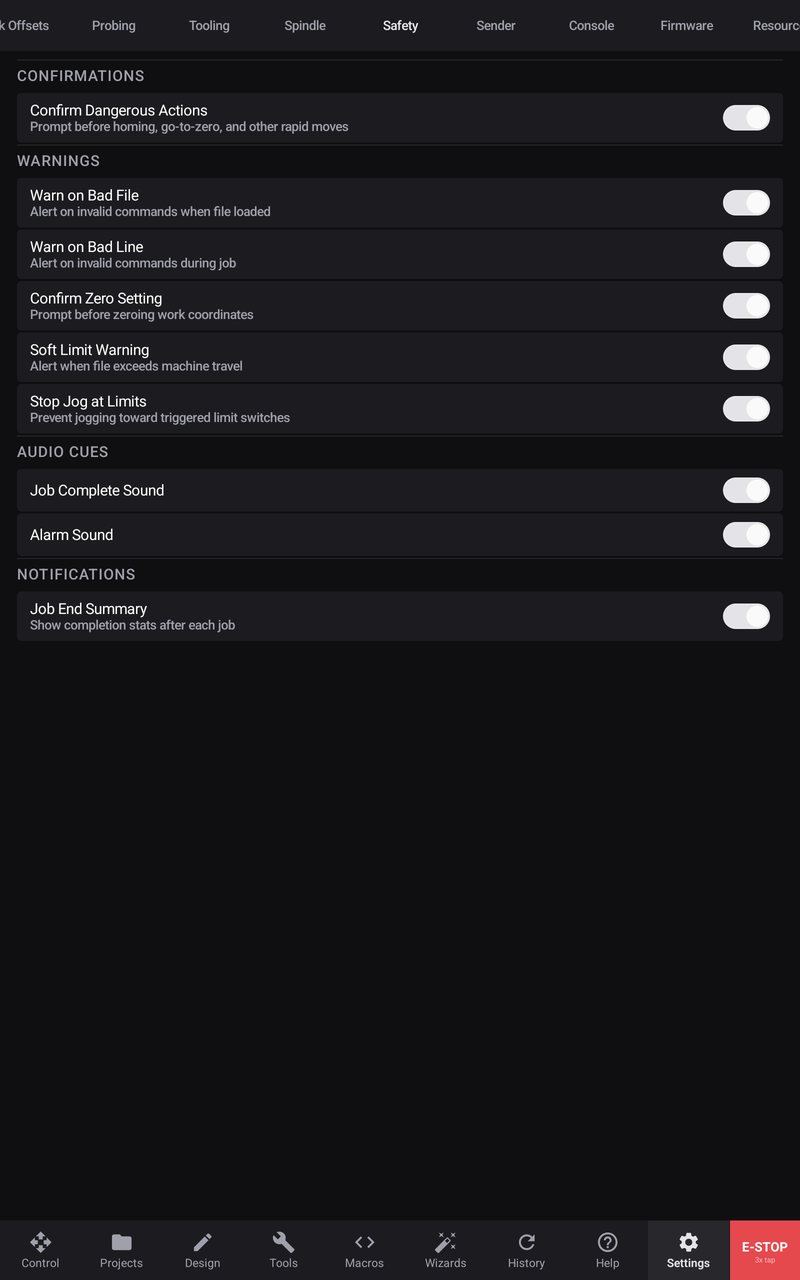
Confirmations
Confirm Dangerous Actions — Home and the go-to moves (Go, 0 X, 0 Y, 0 Z, 0 XYZ) wait for you to tap the drawer's button. Off, they start as soon as the drawer opens. Save Pos and Load Pos always ask.
Warnings
| Switch | What it does |
|---|---|
| Confirm Zero Setting | Zero drawers wait for you to tap Zero. Off, the zero is set as soon as the drawer opens |
| Soft Limit Warning | Start checks the program fits the machine's travel and refuses with Work Envelope Exceeded if not. Off, there is no check |
| Stop Jog at Limits | A jog that would leave the machine's travel is shortened to the edge, or blocked at it |
| Warn on Bad File | Shows the file error or check-mode rejection in a drawer |
| Warn on Bad Line | Shows the job error in a drawer; the job still stops and Notes still records it when this switch is off |
Audio Cues and Notifications
| Switch | What it does |
|---|---|
| Job Complete Sound | Plays a completion cue after a job finishes |
| Alarm Sound | Plays an alarm cue when the controller reports an alarm |
| Job End Summary | Shows Job completed with its line count and time in a drawer |
The Notes card keeps its job and fault records with these switches on or off.