 PRIME MOTION
Tool changes
Most parts need more than one cutter. When a program reaches a tool change, the machine stops, goes to its tool-change position, and waits for you.
What the machine does
- Motion stops and the spindle is turned off.
- The machine moves to the tool-change position from your machine profile — somewhere you can reach the collet.
- It waits.
- You fit the new tool and continue.
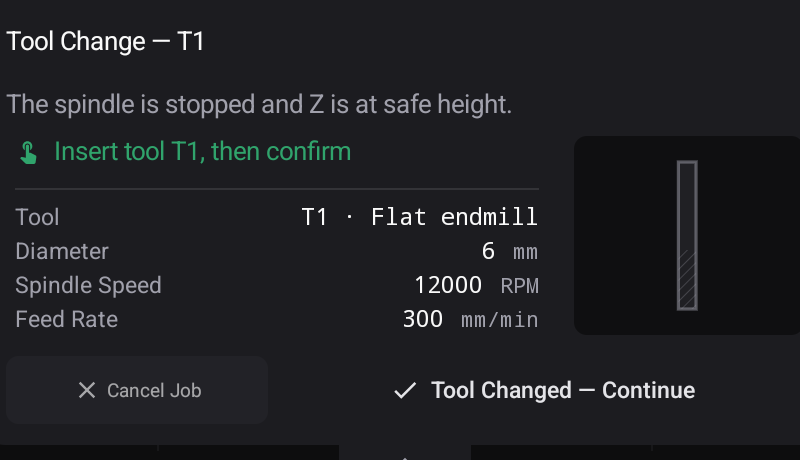
The part that needs your care
A new tool is a different length. X and Y are unaffected; Z zero is not.
| Your machine | What happens |
|---|---|
| Has a toolsetter | The tool is measured automatically and the difference compensated |
| Has none | You must re-set Z with the new tool before continuing |
Automatic measurement
If your machine has a fixed toolsetter, turn Automatic Tool Measurement on in Settings → Connection. Z zeroing and every tool change then measure the tool for you.
Projects and tool runs
A project exported from Prime Motion's CAM groups its files by tool run, so all the work for one cutter happens together and tool changes fall at the boundaries between groups — not scattered through the job. See Projects.