 PRIME MOTION
Settings — Machine Positions
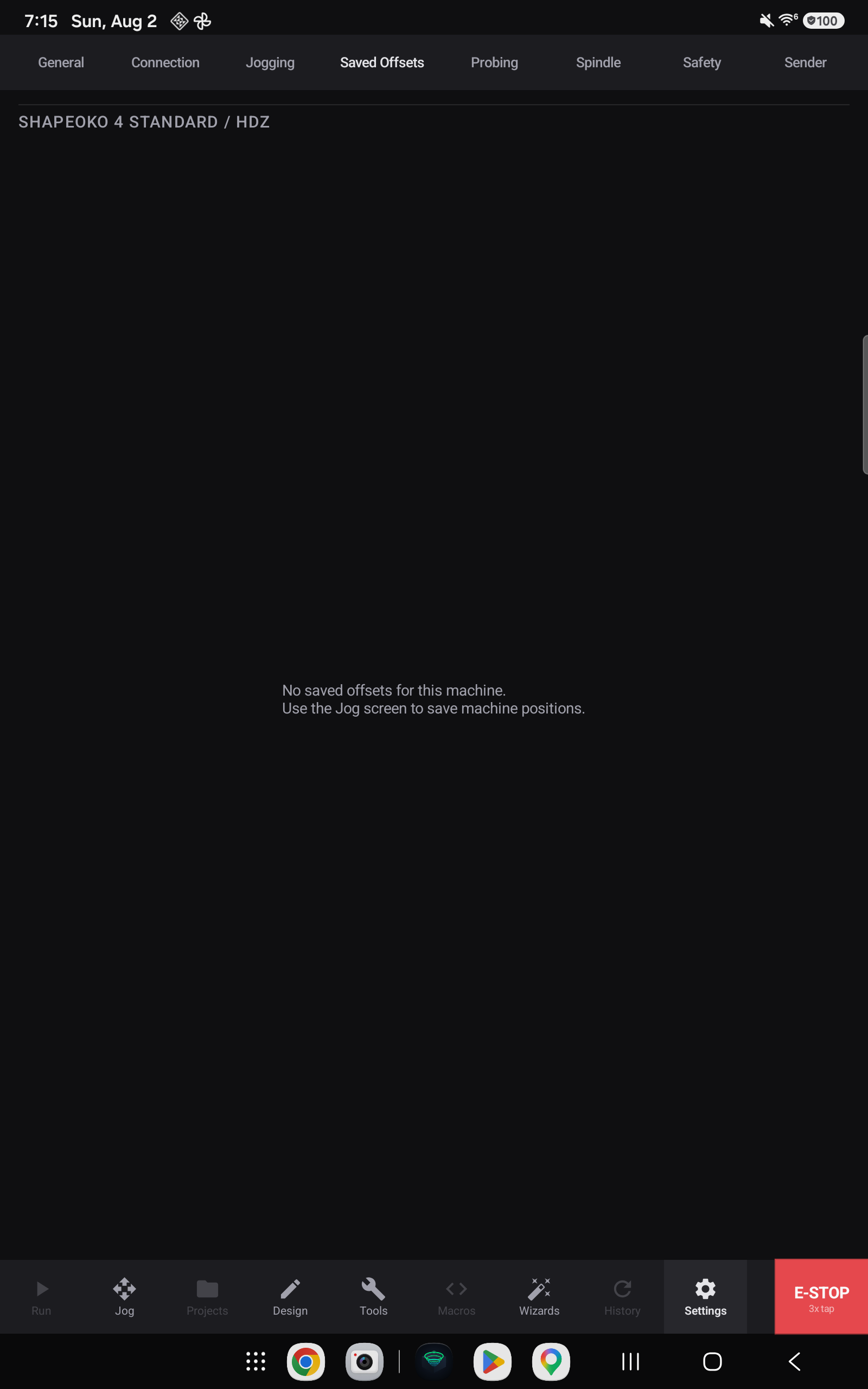
Every position you have saved, listed for the active machine.
Positions belong to a machine, not to the app: a position recorded on one machine describes a point in that machine's coordinates and would mean something quite different on another. Switch machines and this list changes with it.
What you can do here
Review what is stored, so a list of positions saved months ago is not a mystery.
Rename one so it says what it is for — "vise corner", "fixture plate A".
Hide one from the Jog screen's list without losing it, and remove ones that no longer describe anything — a fixture that has been unbolted, a jig that has been re-made.
Each row carries the name, the machine coordinates behind it, and the date it was saved:

All three actions live behind the row's own menu:
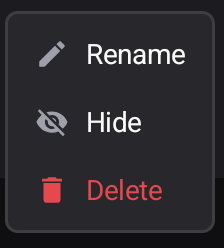
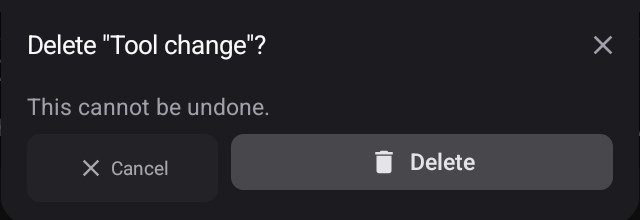
Rename edits the name in place on the row. Delete asks first, and says plainly that it cannot be undone:
Saving and loading
Both happen on the Jog screen, where you are looking at the position you want to record — see Saved positions.