 PRIME MOTION
Console
Settings → Console sends one command at a time to the controller and shows what comes back. It is for reading the controller ($$, $#, $I) and for the occasional command that has no button.
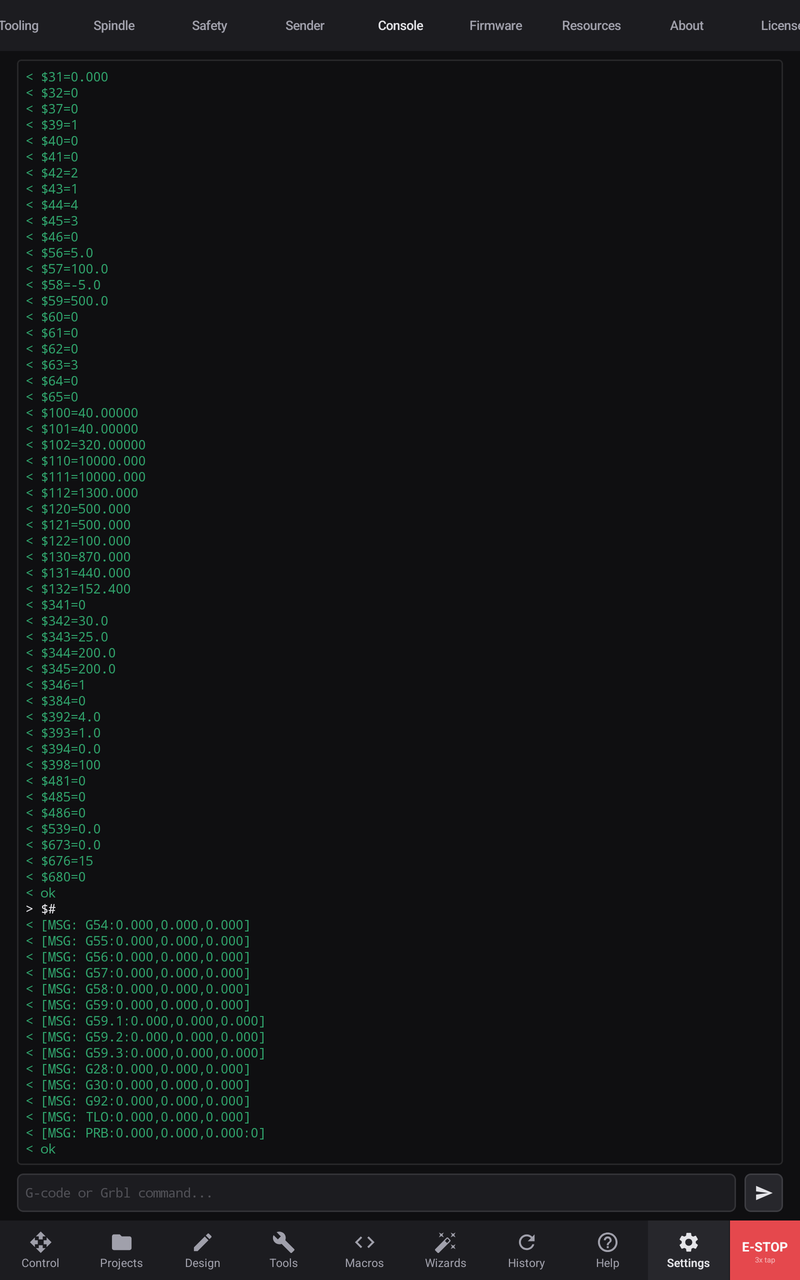
Type a command in G-code or Grbl command... and tap Send, or the keyboard's send key. The log marks each line:
| Mark | Line |
|---|---|
> | What you sent |
< | What the controller answered |
! | An error |
# | A note from Prime Motion |
The log keeps the newest 500 lines. The controller's constant position reports are left out.
What the console refuses
- While a job runs, nothing is sent: Blocked — job active (line not sent). The controller's one-character real-time commands are the exception.
- Before homing, a line that would move or power the machine is refused with the reason, as every other control refuses it.
- With the probe loaded, a spindle start is refused.