 PRIME MOTION
Wizards
Wizards holds two step-by-step tools, as two tabs: Machine Setup and Job Recovery. Wizards is never gated: it is where Prime Motion opens before any machine exists.
Machine Setup
Machine Setup describes a machine to Prime Motion: manufacturer, model and size, accessories and a name. It ends by making that machine the active one. Its steps are Machine, Adjust, Configure (Carbide 3D machines), Toolsetter (machines with automatic tool measurement), Name and Done.
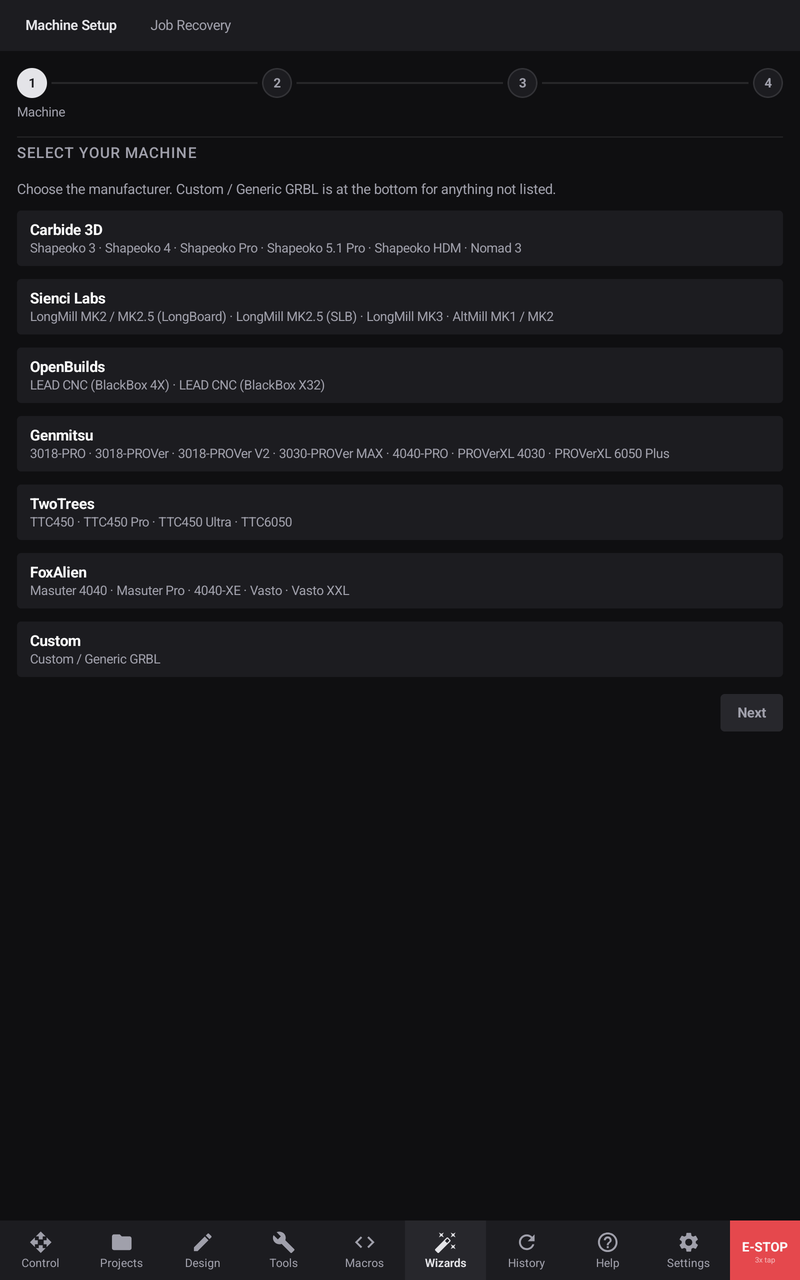
Every step is covered in Machine profiles and the setup wizard.
Job Recovery
Job Recovery picks up a job that stopped part-way. It needs the machine homed and work zero set, then walks through Select Job, Verify Homing and Verify Zero, and ends on Control with Continue in place of Start. See Recovering an interrupted job.
Leaving a wizard
Cancel Setup or Cancel Recovery asks before throwing your progress away: Discard Setup or Keep Setting Up, Discard Recovery or Keep Recovering. A machine setup cannot be cancelled while the machine is moving; wait for it to stop.