 PRIME MOTION
Simulating a toolpath
Simulation runs the toolpath against the stock and removes material as it goes, so you can see the result before any of it is real.
The Simulate chip on the viewport bar opens and closes the simulation panel. The chip stays greyed until there is a toolpath to simulate, and an operation's row in the design tree offers Simulate directly.
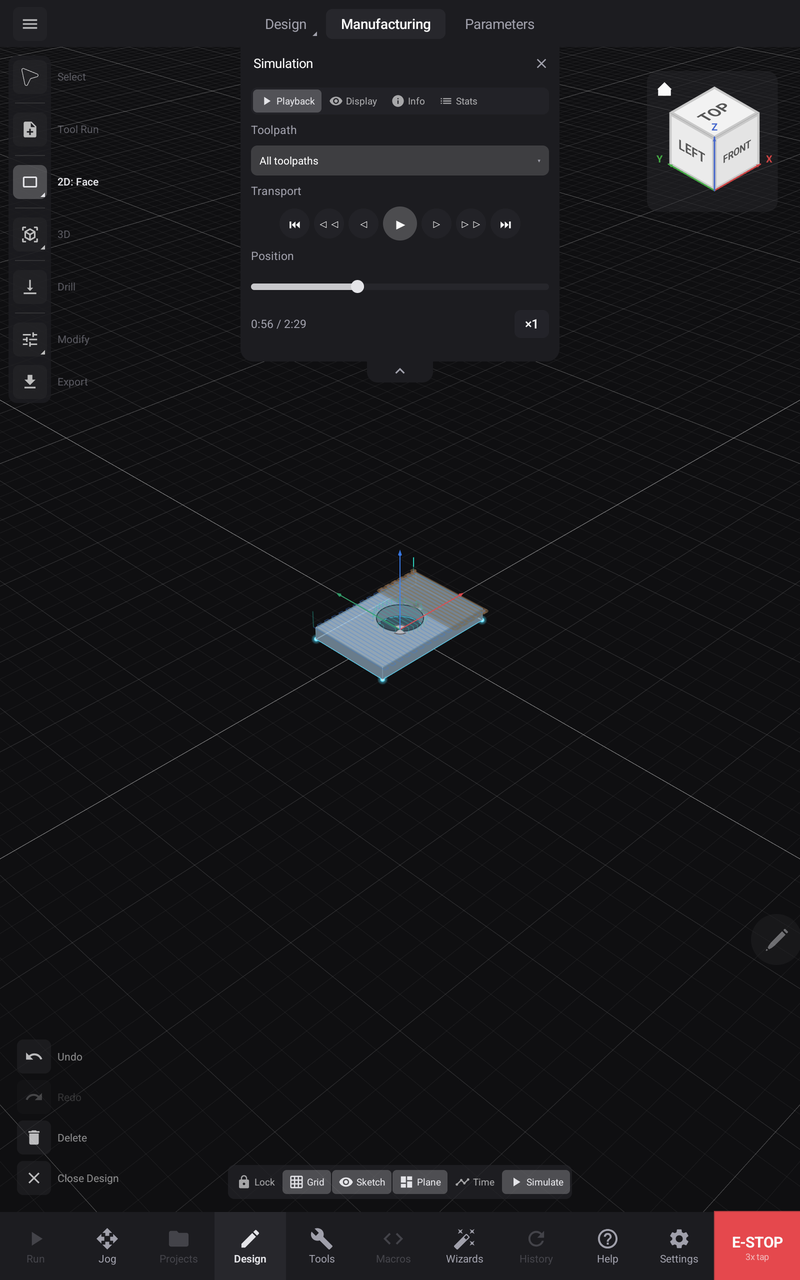
The panel
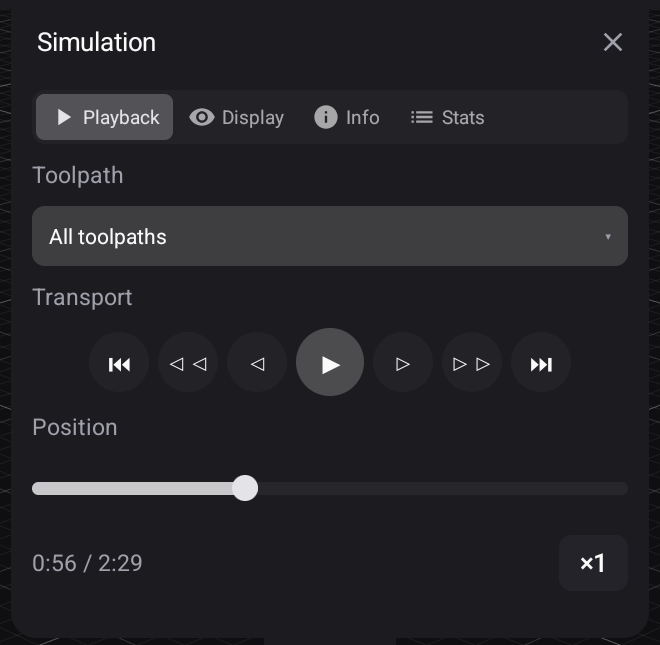
Playback is the transport: play, step by move, jump by operation, scrub the position bar, and change the rate. Display chooses what is drawn — rapids, leads, the carve itself. Info is a live DRO for the simulated position, and Stats totals the program.
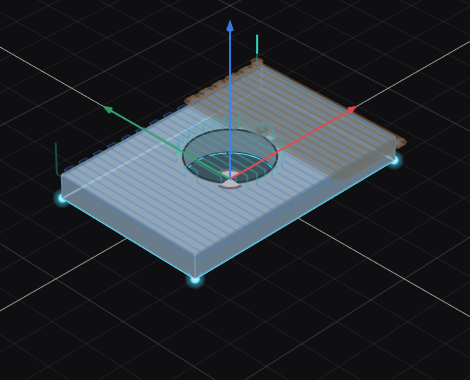
The carve is the point: material actually comes away as the cutter passes, so what is left is what the program leaves.
What it is good for
Did it cut what I meant? Shapes that look right in a toolpath preview sometimes are not — a contour on the wrong side of a line looks entirely plausible until you watch it happen.
Did it leave anything? Material a cutter could not reach shows up as material still there.
How long is this going to take? Watching a roughing pass makes an inefficient strategy obvious in a way that a number does not.
What it cannot tell you
The tool it shows
The cutter drawn is shaped from the real tool's geometry — diameter, tip angle, shaft. A ball nose removes material like a ball nose, and a V-bit like a V-bit.